
Winspirit Mobile App Download & Review – Android & iOS Guide
Mobile play now accounts for the bulk of traffic at offshore casinos accepting Australian players, and Winspirit is no exception. This independent review breaks down exactly how to install the Winspirit mobile app on Android and iOS, what the mobile experience actually delivers, and where the operator’s claims about a native app get murky — because sources conflict, and that matters before you grant any APK installation permissions.
Table of contents
Winspirit Mobile App Overview
The Winspirit mobile offering comes in two documented forms. According to the operator’s own pages, the primary product is a progressive web app (PWA) — you open the casino in Chrome on Android or Safari on iPhone, and the site offers an install prompt that pins the casino to your home screen using the same account as desktop. A separate AU-facing app page (winspiritapp.in.net) presents a Winspirit APK for Android and an iOS version with listed system requirements, while third-party reviewer Betsquare states Winspirit runs as a responsive mobile web app with no native app and no operator-distributed APK. The sources genuinely conflict on whether a native app exists, so this review treats the PWA as the verified route and covers the APK route with appropriate caution.
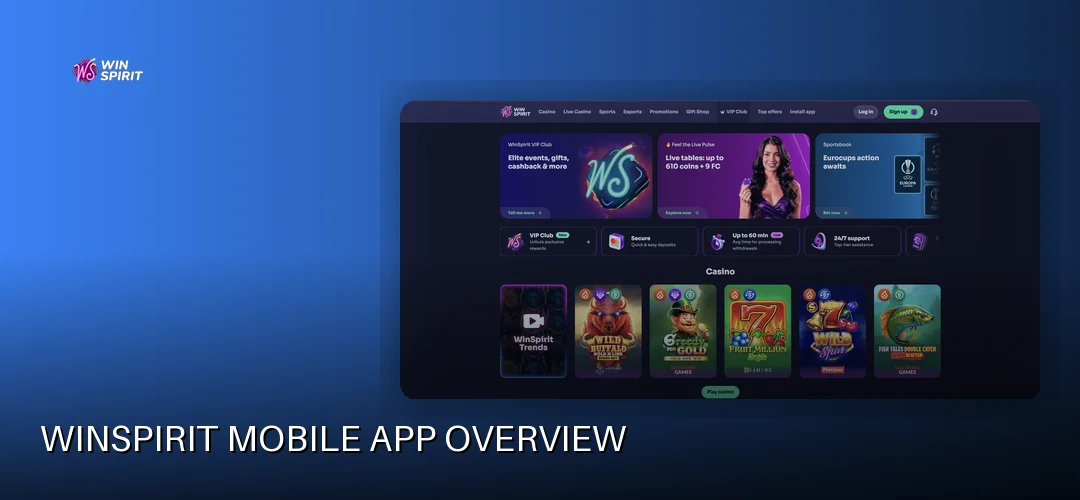
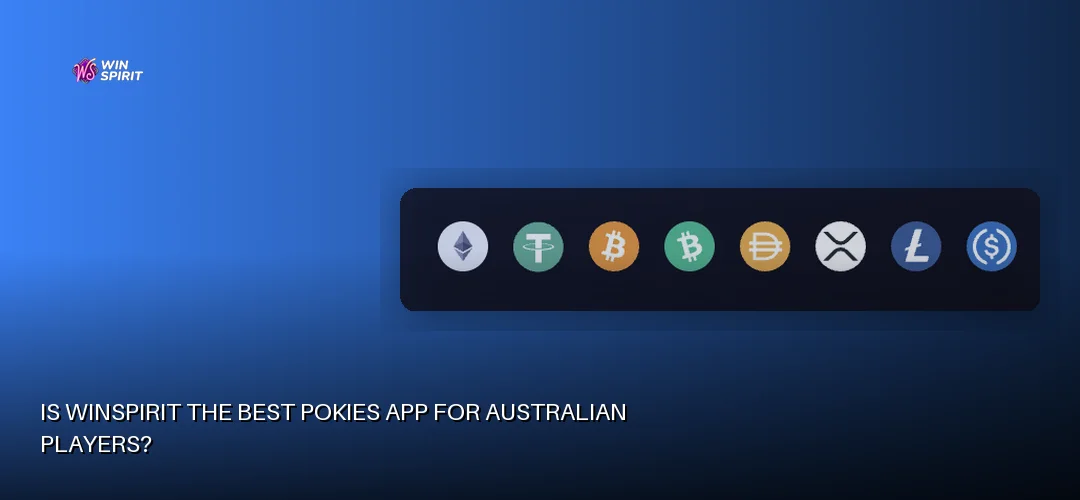
Key functionality on Winspirit mobile mirrors the desktop lobby: pokies, jackpots, crash games, automated table games, bingo and scratch cards all load in-browser, and the cashier supports the full fiat rail — Visa, Mastercard, Neosurf, Flexepin, CashToCode, MiFinity, eZeeWallet, Inpay and bank transfer — with crypto (BTC, ETH, LTC, DOGE, SOL, USDT) available as a secondary option. Accounts are opened in AUD at registration and cannot be changed afterwards, so set that correctly the first time.
- Platforms: PWA (Chrome/Safari), plus an Android APK and iOS version advertised on a separate AU app page
- Listed requirements (per winspiritapp.in.net): Android 5.0+, 2 GB RAM, ~150 MB; iOS 11.0+, 1 GB RAM, ~100 MB
- Account: single login shared between desktop and mobile; AUD fixed at registration
- Licence: Curaçao (Antillephone N.V.) 8048/JAZ2014-044 — offshore, not registered with ACMA and not integrated with BetStop
How Do I Download the Winspirit App for Android?
On Android, the Winspirit app is not obtained from Google Play. The operator’s verified route is a PWA install: open the Winspirit site in Chrome, tap the browser menu (the “More” option), and choose “Install app” or “Add to Home Screen”. The icon then behaves like an app, launching the casino in its own window. The operator also advertises 20 no-deposit spins for installing the PWA — note this is a separate promotion from the welcome package and has its own terms, so read them in the promo section before claiming. Discover the available bonus at Winspirit.
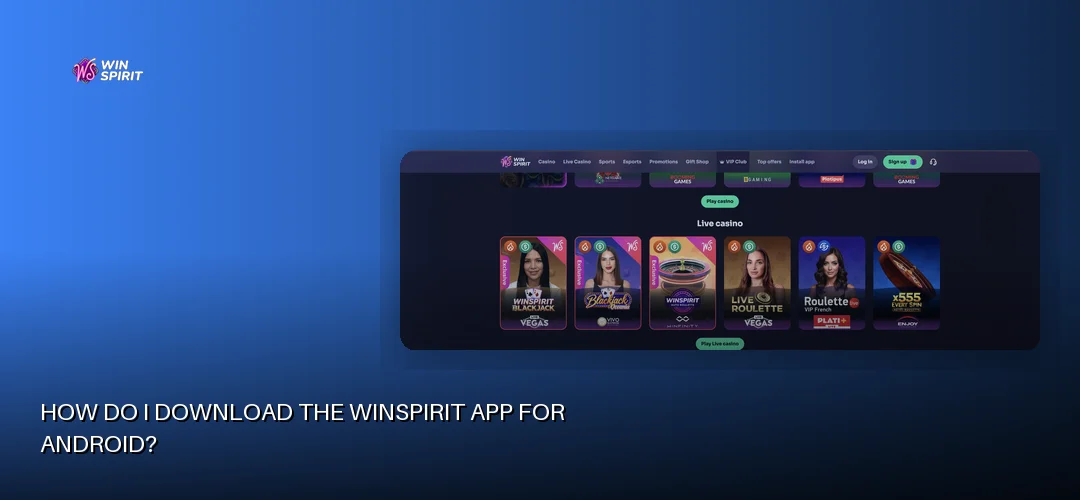
For the Winspirit casino app for Android APK advertised on the separate AU app page, the process requires enabling installation from unknown sources, which is the step that demands real scrutiny:
- Open the Winspirit site in Chrome on your Android device and log in or register.
- Locate the APK download link on the site’s app page and tap to download the file (~150 MB per the listed requirements).
- When prompted, go to Settings → Security → Install unknown apps and allow your browser to install APKs.
- Open the downloaded file from your notifications or Downloads folder and confirm the installation.
- After installing, revoke the “install unknown apps” permission for the browser — this is basic hygiene and costs nothing.
System requirements for the Android version, as published on the AU app page, are Android 5.0 or higher, 2 GB of RAM and roughly 150 MB of free storage. One firm caution: only download any Winspirit APK directly from the operator’s own domain, never from third-party APK mirrors, which are a common vector for repackaged malware. Given that Betsquare reports no operator-distributed APK exists, the PWA route remains the lower-risk choice for most players.
How Do I Download the Winspirit App for iPhone and iPad?
On iOS, the Winspirit app download does not go through the App Store. The verified method is Safari-based: open the Winspirit site in Safari, tap the Share button, scroll and choose “Add to Home Screen”. This installs the PWA, which opens in full-screen mode without browser chrome and uses your existing Winspirit login. The AU app page lists iOS 11.0 or later, 1 GB of RAM and about 100 MB of space as requirements for its advertised iOS version.
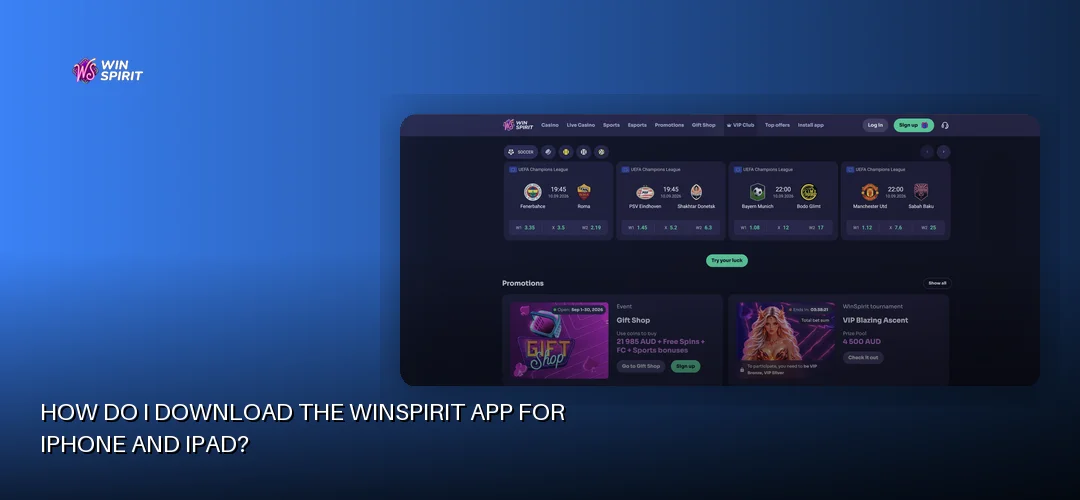
App Store availability for Australia is effectively a non-issue because no listing exists — offshore casinos under Curaçao licences generally do not appear in the Australian App Store for real-money play. If you encounter a Winspirit casino download link for iOS claiming to be a native installer, treat it with the same caution as any enterprise-certificate sideload: the PWA via Safari does everything the mobile lobby does without any profile installation. Your Winspirit app login credentials work identically across the PWA and desktop site, so there is no separate mobile account to manage.
Is Winspirit the Best Pokies App for Australian Players?
“Best” is a strong claim, so here is what the facts support. The Winspirit mobile casino carries a large pokies library from a credible provider roster — BGaming, Booongo, Playson, Gamzix, Yggdrasil, Betsoft, Novomatic, TrueLab and Spadegaming — which covers classic three-reel titles, video pokies, jackpot games and the crash-game category that has become a staple at offshore AU-facing sites. For an Australian pokies app installed as a PWA, the catalogue is genuinely broad, and games run in HTML5, so no downloads or plugins are required beyond the browser itself.
Where the Winspirit pokies app proposition gets nuanced is performance and legitimacy rather than content. Mobile slot performance depends on your connection and browser, not on a native engine, and the operator publishes no game-count or load-time figures, so this review will not invent any. On the legitimacy side, the Curaçao licence (8048/JAZ2014-044, Antillephone N.V., with Hollycorn N.V. as the reported licence holder) means disputes escalate to the Curaçao Gaming Control Board, not an Australian regulator — a structural risk every Australian player should weigh before depositing. For the full breakdown of the game catalogue itself, the dedicated page covers it in depth: Winspirit slot games.
Mobile App Review & Performance
The verdict from available evidence: the Winspirit mobile web app is a competent, stable implementation of a browser-first casino. The PWA architecture means there is nothing to crash-update, games are delivered by the providers’ own HTML5 clients, and the interface uses a collapsible hamburger menu with large touch targets that suit one-handed play. Because it is a web app, loading behaviour tracks your connection — pokies and automated table games open promptly on a decent 4G or Wi-Fi link, while graphically heavier Betsoft and Yggdrasil titles benefit from stronger bandwidth.
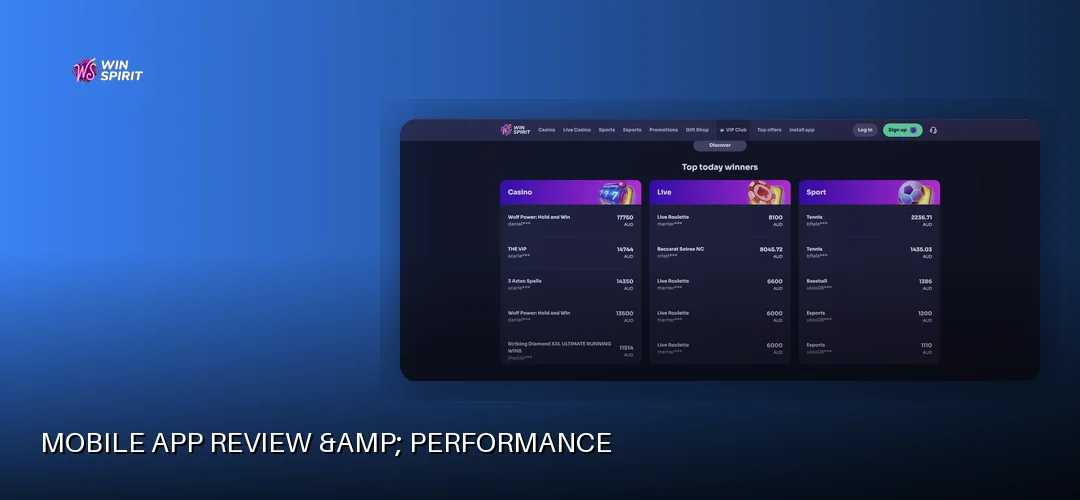
Battery and data consumption follow standard browser-app patterns: pokies with animated reels stream modest data per spin, while extended sessions with multiple provider clients open will draw more power than a native build would. User ratings are difficult to assess authoritatively — with no App Store or Google Play listing, there is no central ratings pool, and this review declines to cite unverifiable star averages. Against competitor casino apps in the offshore AU space, Winspirit sits in the common tier of PWA-first operators; its differentiators are the AUD-native cashier and the 20 no-deposit spins for PWA installation, while the conflicting claims about a native APK are a transparency mark against it.
Mobile Browser Alternative
You do not have to install anything at all. The same Winspirit mobile casino runs directly in Chrome, Safari, Firefox or Edge on mobile, using the identical account, balance and cashier. Browser play skips the home-screen icon and the 20 no-deposit installation spins, but otherwise the game selection, banking and support access are unchanged — a sensible option if you are cautious about APK permissions or simply share a device.
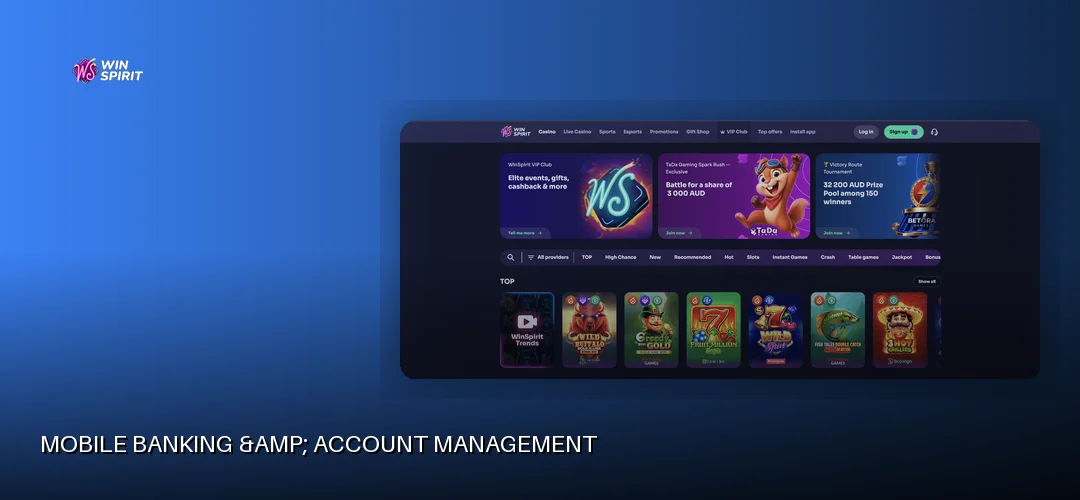
Mobile Banking & Account Management
The mobile cashier is fully functional and leads with fiat rails. Deposits start at A$10 via Visa, Mastercard, Neosurf, Flexepin, CashToCode, MiFinity, eZeeWallet, Inpay and bank transfer, with Interac listed for online banking and crypto (BTC, ETH, LTC, DOGE, SOL, USDT) as a secondary option. To qualify for the welcome bonus the qualifying deposit is higher — A$30 on the first deposit — a threshold worth remembering if you deposit on mobile. Withdrawals run from A$50 up to A$2,000 per transaction, so a larger balance requires several approved requests. The operator’s cashier page publishes no universal withdrawal duration; instead, the signed-in estimate and request status apply. The AU app page cites an average of 24 hours for verified accounts, 1–3 business days overall, e-wallets usually within 24 hours, bank transfers in 3–7 banking days and instant fee-free crypto cash-outs.
Verification can be completed entirely on mobile, and KYC is mandatory before any withdrawal is released, though deposits are possible beforehand. The document requirements are precise:
- Proof of identity: passport, driver’s licence or government-issued ID card showing full name, date of birth, photo and issue/expiry dates
- Proof of address: utility bill, bank statement or insurance document issued within the last 90 days
- Proof of payment: a document confirming the deposit method, showing amount, account holder name and date
- Bank card verification: photos of both sides with the CVV physically obscured; JPEG, PNG or PDF under 10 MB, all four corners visible
Phone cameras handle these uploads well — the 10 MB limit and four-corners rule are the usual failure points. Login security on the PWA relies on standard session encryption, and biometric unlock depends on your browser’s password autofill rather than any in-app Face ID integration. Support is reachable 24/7 via live chat and email directly from the mobile interface. One compliance note: because Winspirit is not registered with ACMA and not integrated with BetStop, Australian self-exclusion protections do not apply here, and the minimum age is 18.
Frequently Asked Questions about Winspirit
How do I download the Winspirit casino app?
On Android, open the Winspirit site in Chrome and use the menu’s “Install” option, or download the APK from the operator’s site after enabling unknown sources. On iPhone, open the site in Safari, tap Share and choose “Add to Home Screen”. Neither route uses an app store.
Is the Winspirit app available for Android and iOS?
Yes, in both cases via a progressive web app installed from the browser. A separate AU app page also advertises an Android APK and an iOS version, though third-party sources state no native app exists, so the PWA is the verified, lower-risk installation method for both platforms.
Can I play all Winspirit games on the mobile app?
The mobile lobby mirrors the desktop catalogue: pokies, jackpots, crash games, automated table games, bingo and scratch cards from providers including BGaming, Yggdrasil, Betsoft and Playson. All titles run in HTML5, so nothing requires a separate download beyond your browser.
Is the Winspirit mobile app safe to download?
The PWA route involves no file download at all, which is inherently safe. For any APK, download only from the operator’s own domain and revoke unknown-source permissions afterwards. The casino holds an offshore Curaçao licence (8048/JAZ2014-044), not Australian authorisation, so regulatory protection differs from domestic options.
Do I need to download the app or can I play in my browser?
No download is required. The full casino — games, AUD cashier, verification uploads and 24/7 live chat — runs directly in any modern mobile browser using your standard login. Installing the PWA only adds a home-screen icon and qualifies you for the operator’s 20 no-deposit installation spins.
What are the system requirements for the Winspirit app?
According to the AU app page, the Android version requires Android 5.0 or higher, 2 GB of RAM and roughly 150 MB of free space. The iOS version requires iOS 11.0 or later, 1 GB of RAM and about 100 MB. The browser-based PWA has no formal requirements beyond a current Chrome or Safari version.
Can I claim bonuses through the Winspirit mobile app?
Yes. The welcome bonus of up to A$2,000 plus 100 free spins (credited 20 per day over five days) is fully claimable on mobile with a qualifying first deposit from A$30 and second from A$60, subject to x40 wagering. Mobile users can also claim the 20 no-deposit spins for PWA installation.
How do I update the Winspirit casino app?
The PWA updates automatically every time you open it, since it loads directly from the operator’s servers — no manual action needed. If you installed an APK version, updates are not pushed through any store, so check the operator’s site periodically for a newer build and reinstall over the existing version.
That covers the full picture: installation on both platforms, the real banking rails in AUD, the licence position and the honest caveats about conflicting app claims. If Winspirit’s mobile setup suits how you play, the next step is creating an account directly on your phone — the welcome package of up to A$2,000 plus 100 free spins is claimable from mobile on qualifying deposits.